By Catherine Pretorius
The most recent version of WordPress includes design controls and better media management, so it’s worth taking a look at it. With WordPress 7.1, website owners gain control within the editor, and some of the image processing is moved off the server.
WordPress is used for all sorts of websites, including blogs, small businesses, busy online shops, and large publishers. WordPress 7.1, known as “Mary Lou” and released on August 19, 2026, offers more than just new features; it aims to make it easier to build, edit, and manage your WordPress website. It includes responsive design controls, better media tools, stronger collaboration features and performance improvements, which can reduce the load on your hosting.
For business owners, the primary question isn’t simply “What changes have there been in WordPress 7.1?” but rather “How will the changes in WordPress 7.1 make it easier for me to manage my website?”
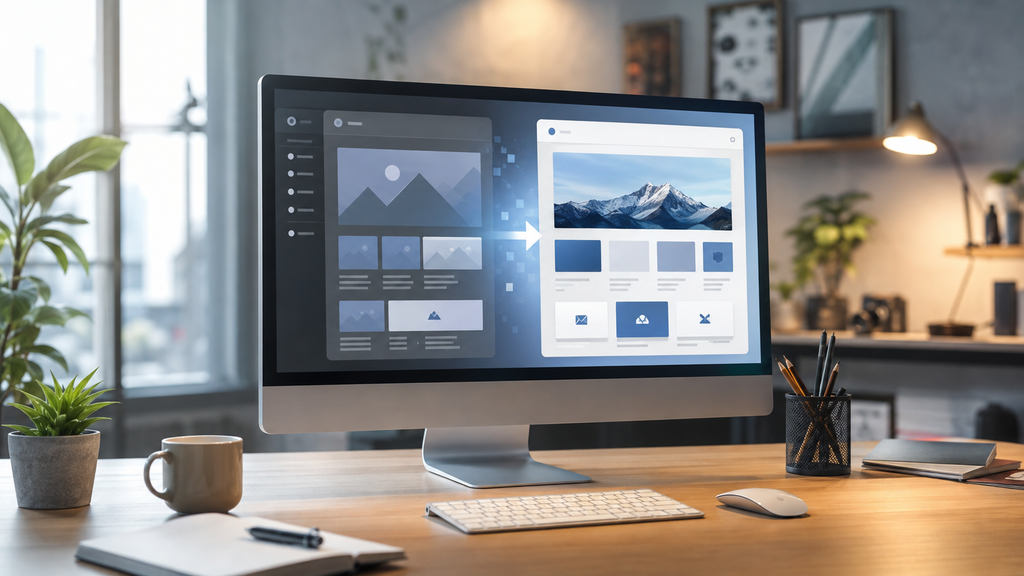
Having greater control over mobile design is important. A website may look excellent on a desktop computer but be difficult to use on a phone. Since more people are using devices to browse, ask questions and shop, it is now essential that your WordPress website has a responsive design. With WordPress 7.1, styling options have been added directly to the Site Editor so that you can modify how your content appears on different screen sizes, based on your theme and blocks, without having to use much custom CSS.

You can also see how your layouts will appear on different devices before you publish your WordPress website. This update helps small businesses to update the content on their WordPress website. Although it doesn’t replace website design, it gives users more control and a better view when preparing pages for visitors on phones, tablets, or desktops.
Another advantage is smarter image editing and media management. Large or poorly optimised images often slow down websites and make them more difficult to manage on your WordPress site, since they use up storage space, take longer to load, and can cause upload errors if your site reaches its memory or processing limits.
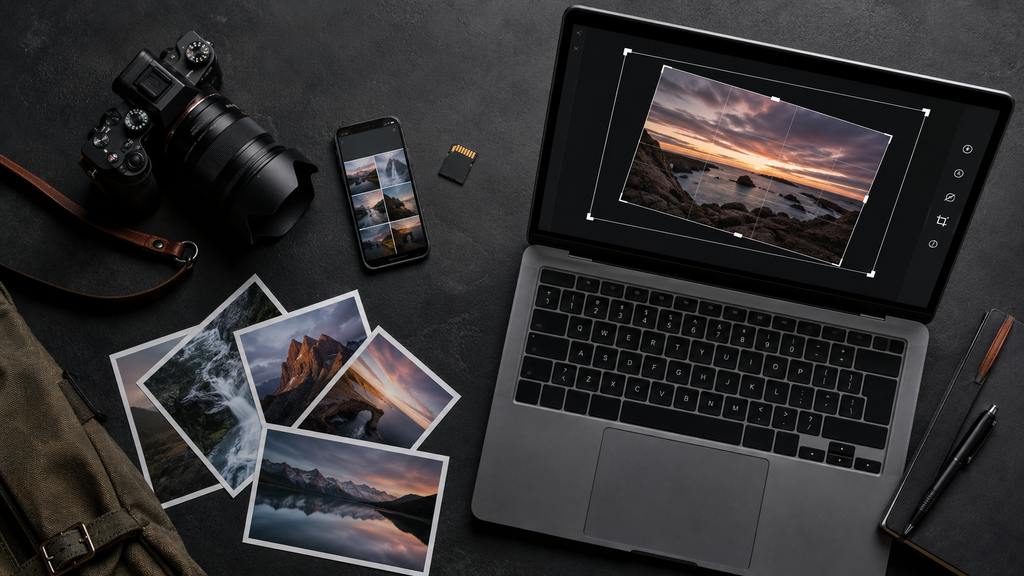
The media editor in the updated version of WordPress includes features such as cropping, flipping, and rotating, as well as metadata editing, as part of the editing workflow. With WordPress 7.1, many image-related tasks are now performed in your browser, so compression, resizing, and thumbnail creation can be done on your device rather than relying entirely on the server.
This change will reduce the load on your server when you upload images to your WordPress website and help prevent problems caused by memory limits or timeouts with large files. The new version also supports image formats such as AVIF and HEIC, which are now commonly used on phones and cameras.
It’s helpful to have better collaboration when using WordPress, since website content is generally a team project. For example, the business owner could write a page, a team member would then review it, and the designer or developer would make the necessary adjustments to the WordPress website. The Notes feature in WordPress 7.1 has been improved by adding inline comments, rich-text formatting, and @mentions.
It is now possible to attach feedback to text or sections thereof, making it easier to discuss changes exactly where they are important on your WordPress website, and teams can carry out conversations without having to transfer comments to email or other documents.
Another useful feature is the new blocks which depend on plugins, and WordPress 7.1 includes Tabs and Playlist blocks. The Tabs block lets you arrange information in compact panels, and the Playlist block lets you display multiple audio tracks with an optional waveform.
Regarding websites, it’s advisable to use the built-in features rather than installing a plugin for each minor requirement on your WordPress site, since each additional plugin requires maintenance, updates, and compatibility checks.
With WordPress 7.1, you enjoy a more pleasant editing experience because the admin bar is now always visible when you’re editing, making it easier to move between the content and design sections of your WordPress website.

Today, developers have at their disposal tools for responsive styling, icons, automation and AI-powered integrations. Although these improvements may not be apparent to website owners, they provide theme and plugin developers with a more solid basis for building the tools businesses will need for their WordPress sites in the future.
Should you upgrade to WordPress 7.1 right away? Although WordPress 7.1 includes some improvements, it is a significant update. Before you upgrade, check that your theme, your essential plugins and any custom features are compatible with WordPress 7.1.
Before you carry out the update to WordPress 7.1, make sure to:
Back up the website files and the database.
Make sure your theme and key plugins are compatible with WordPress version 7.1.
* If you can, test the update in a staging environment.
Once you’ve updated to WordPress 7.1, make sure to check your pages for contact forms, login areas and online payment features.
Hold on to your backup until you have completely tested the updated WordPress website.

Since a stable version has been released, WordPress cannot guarantee that every update will be compatible with all third-party themes, plugins, or custom features used on your WordPress website. Taking care when carrying out updates will help protect your website and enable you to take advantage of the latest improvements in WordPress 7.1.
Good hosting offers more than just storage space for your WordPress website, since a website requires more than storage alone. In addition, good hosting involves carrying out updates, ensuring security, taking regular backups, monitoring performance, and providing expert support whenever there is a problem with your WordPress website.
WordPress 7.1 shows that websites are continually changing. The security requirements for your software and visitors’ expectations for your WordPress site are always evolving. Businesses which keep their sites up to date can provide a safer and more professional experience.
As the weekend begins, ask yourself: Is your WordPress website up to date, backed up, and ready for the week?
Is anyone able to check your WordPress website for me?
Padroni Hosting can assist you in reviewing your WordPress setup, hosting requirements, and readiness for updates. If you would like some guidance and support, then get in touch with us.